
Welcome to Curatio! We're happy to have you here. There are only 4 steps needed to get started and connect with others.
1. Create an account - If you haven't already created an account, you can do this through our WebApp web.curatio.me or the iOS app here. All you need to create an account is an email address. Then choose your username and password.
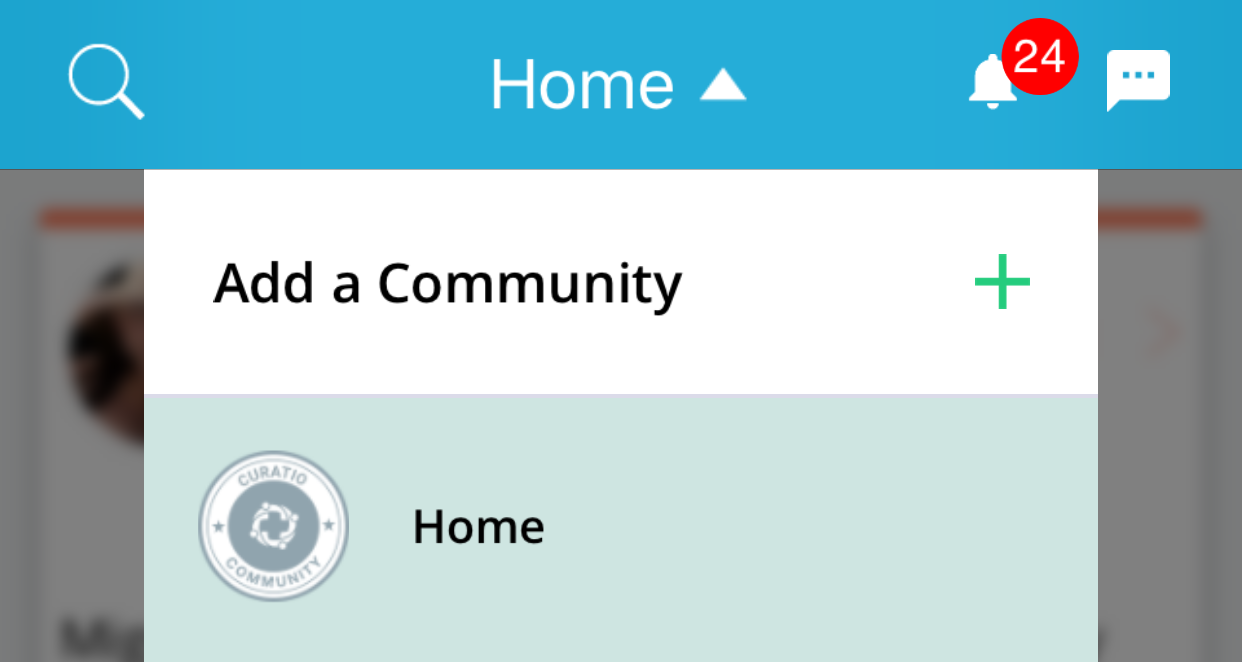
2. Join a community - Once you're account is created, check to see if we have a community for what you are dealing with by tapping the "Add a Community" button. If you don't see a community you want to join, that's fine! The Home community is meant for ANYONE living with ANY health condition.
3. Complete your profile - Navigate to MY CIRCLE or MY PROFILE. From either of these screens, you can enter your information as well as your primary diagnosis. This information will be used to suggest connections that can best support you.
4. Make connections - Our proprietary algorithm has taken all your information into account and will now suggest people with the same diagnosis as you. If there is nobody meeting that criteria, we will suggest people that with similar conditions in the community that are best suited to support you.
Comments
1 comment
It just buffers instead of showing me communities. I can’t get past that.
Please sign in to leave a comment.